


Production Test with APx Audio Analyzers
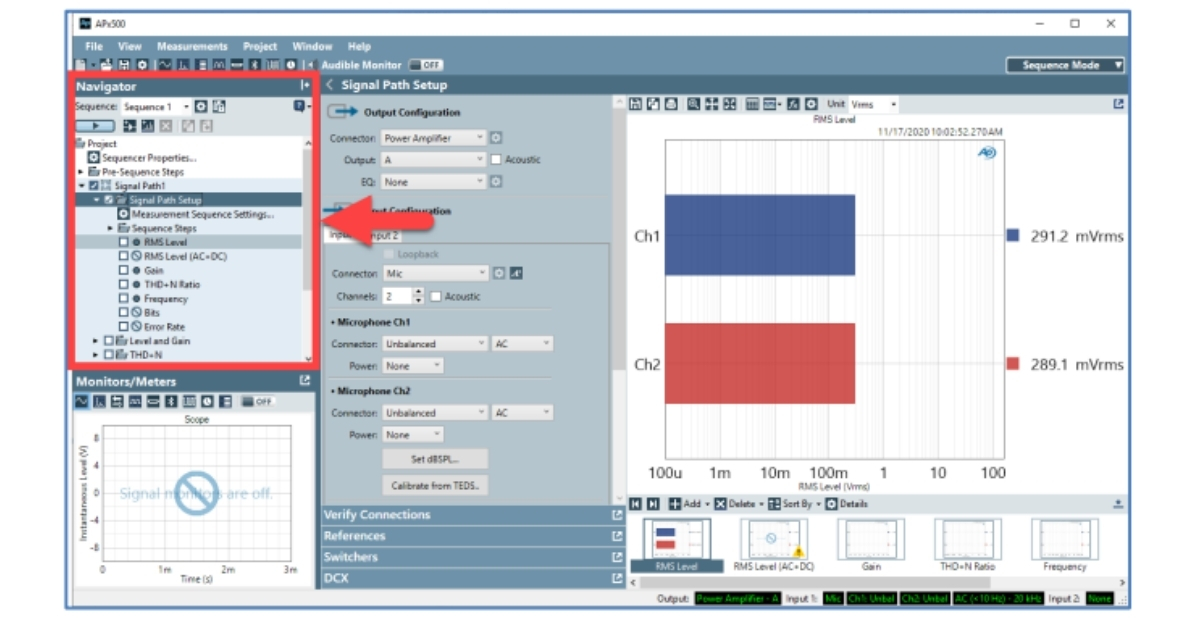
In this technote, we discuss features in the APx500 measurement software that support the creation of automated production test sequences, with a focus on electro-acoustic test. TN129 also provides a practical example, specifically the configuration, and use, of the APx517B Acoustic Analyzer for production test of loudspeakers, and includes discussion of "golden units" (reference devices), input equalization, multiple sequences in a single project, and Production Test mode.
更多资源
访问我们的技术资料库
The Cost of Production-Line Audio Testing
Learn how accurate, repeatable audio testing helps manufacturers improve product quality, reduce manufacturing costs, and accelerate time to market.
立即下载
From Frustration to Automation
From built-in sequencing to API-driven customization, explore how APx500 helps manufacturers replace subjective listening tests with fast, objective, and repeatable automated measurements.
立即下载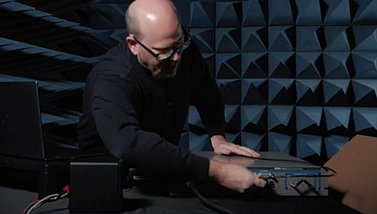
APx517B & Speaker Test Setup
Daniel Knighten, AP General Manager, shows how fast and easy it is to go from unboxing an APx517B Acoustic Analyzer to conducting measurements on a loudspeaker.
立即下载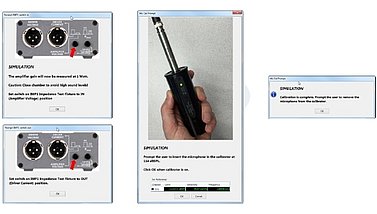
APx Production Test Demonstration Project
This project file contains an APx project file named "PT-Demo External Loopback.approjx" that illustrates many of the production test and automation features added in the APx500 measurement software.
立即下载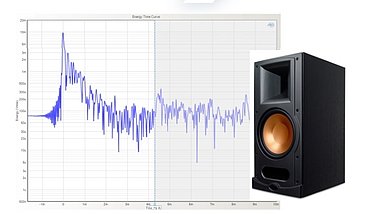
AP Applied: Acoustic Response
Get a look at some of the important features needed in an acoustic audio analyzer, the problems you may encounter in non-ideal testing environment, the needs of good production line testing, and the range of measurements and results that should be produced.
立即下载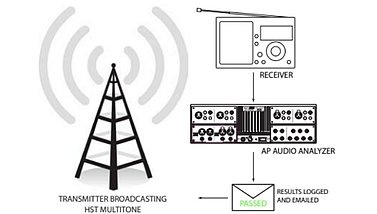
High Speed Test in Production & Broadcast
High Speed Tester (HST) is a fast, accurate and easy-to-operate audio test application that is ideal for high speed production test or testing transmission quality across a broadcast network.
立即下载音频功放测试解决方案
浏览全部产品
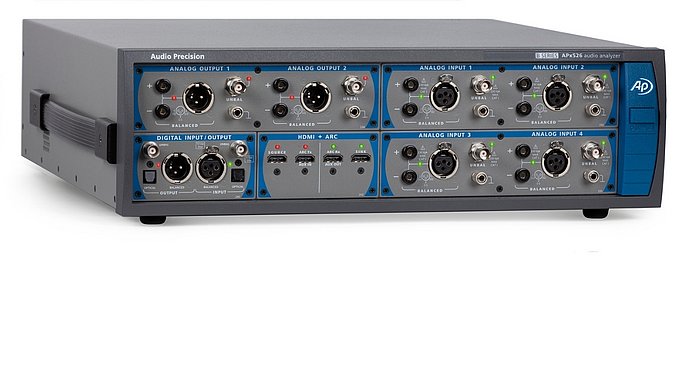
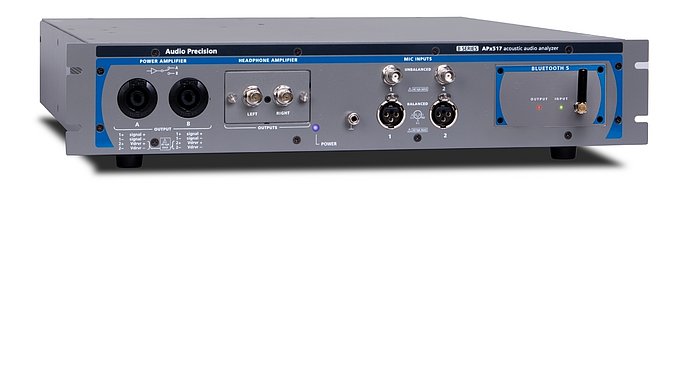
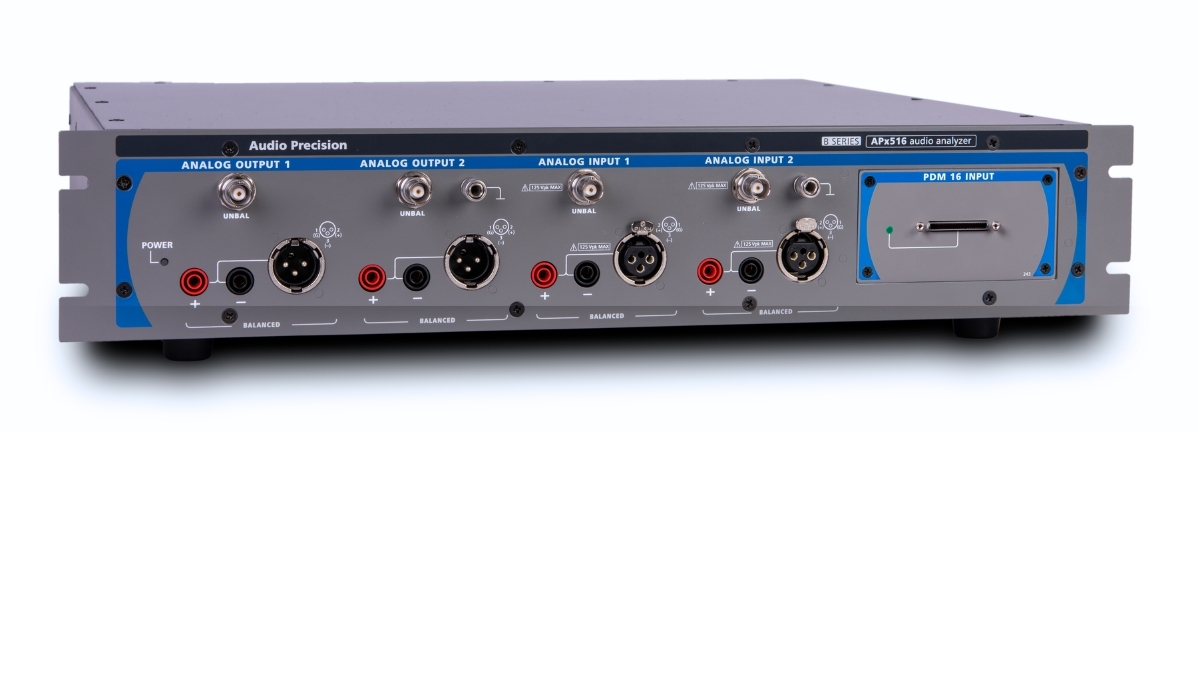
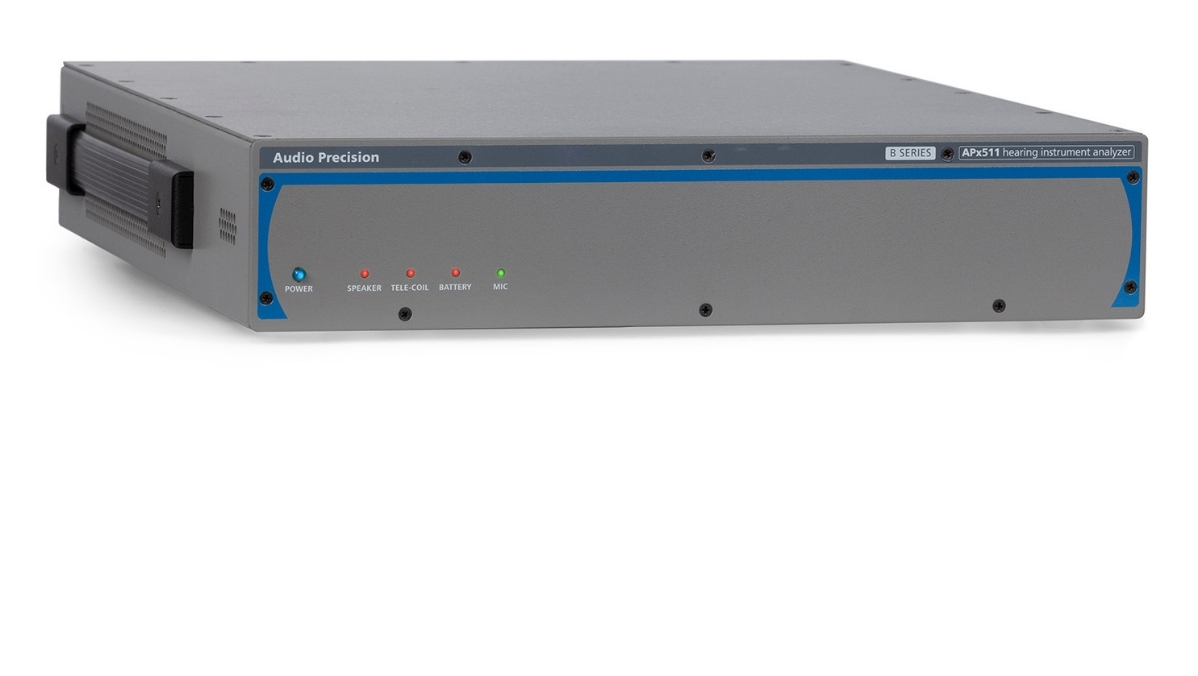
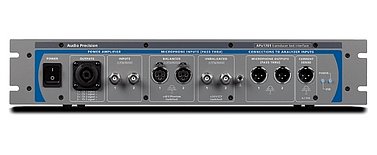
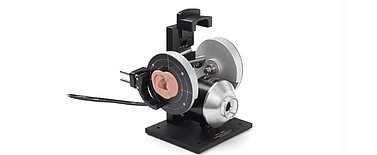
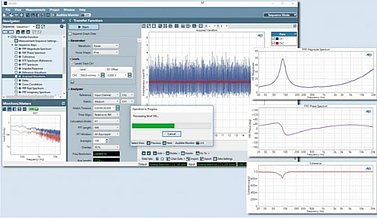
Audio Measurement Automation & Production Test with APx
In this Audio Test Session with APx, we offer a detailed discussion of how to use a variety of automation and production (or manufacturing) test-oriented features.
功放测试常见问题
Features in the APx500 measurement software that support the creation of automated production test sequences include:
Sequence Mode
Sequences & the Navigator/Sequencer
Signal Paths, Measurements, and Sequence Steps
Variables
Auxiliary control
Data export and report generation
Microphone calibration
Output level regulation
Defining limits/targets using a Golden Unit (reference device)
Analog generator Global Vmax
Input equalization
Production Test mode (password-restricted)
Sequence logging and statistics
Electro-acoustic devices (loudspeakers, headphones, microphones, and so on) often have special requirements for production test. These requirements can include:
Periodic calibration of one or more measurement microphones.
Automatic regulation of a device’s output level to a target sound pressure level.
Measuring and applying performance targets/measurement limits using a Golden Unit (ideal reference device).
Defining a voltage limit for analog generators to protect connected devices.
Applying an input equalization curve to compensate for a microphone’s response.
Production Test mode offers a means of interacting with the APx software that offers several advantages over the traditional APx user interface (UI) for production test applications. These include:
A much simpler UI for test operators: a Production Test main “menu” consisting of a simple dialog window with a button for each sequence and an optional banner image
The option to display or hide the full APx UI while in Production Test mode.
The ability to password-protect select sequences.
Sequence looping: if all measurements in the sequence pass limits, the sequence can be automatically repeated.
A user-selectable number of retries if any measurement in the sequence fails.
An optional sequence log file that can be used to keep a record of sequence runs, complete with pass/fail statistics and other variables